Transit Chart Endpoint #
POST /api/v5/chart/transit #
This endpoint generates a transit chart as a dual-wheel SVG visualization, showing how current (or future) planetary positions interact with a person’s natal chart. Transits are the foundation of predictive astrology, revealing timing for opportunities, challenges, and significant life events.
Chart Preview #
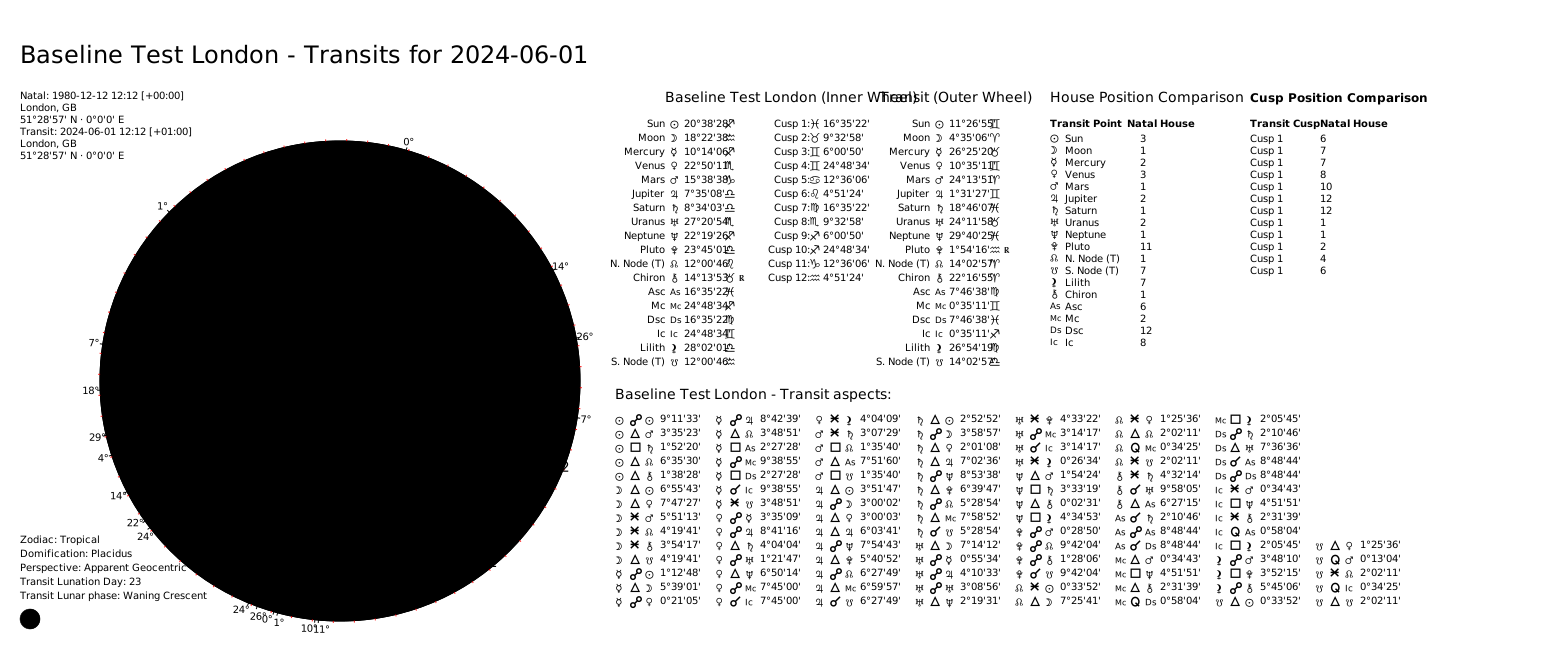
The chart displays:
- Inner Wheel: The natal (birth) chart — the permanent foundation
- Outer Wheel: The transit chart — current or future planetary positions
- Transit-to-Natal Aspects: How transiting planets aspect natal planets and points
Use cases:
- Personal Forecasting: Predict important periods for career, relationships, health
- Timing Decisions: Choose optimal moments for major life changes
- Understanding Current Events: Gain perspective on why certain themes are emerging
- Yearly Planning: Map out the astrological landscape for the year ahead
Request Body #
first_subject(object, required): Natal subject. See Subject Object Reference.{ "name": "Natal Subject", "year": 1990, "month": 1, "day": 1, "hour": 12, "minute": 0, "city": "London", "nation": "GB", "longitude": -0.1278, "latitude": 51.5074, "timezone": "Europe/London" }transit_subject(object, required): Transit moment. Uses a simplified subject model — does not includezodiac_type,sidereal_mode,perspective_type, orhouses_system_identifier(these are inherited fromfirst_subject). Thenamefield defaults to"Transit".{ "year": 2024, "month": 1, "day": 1, "hour": 0, "minute": 0, "city": "London", "nation": "GB", "longitude": -0.1278, "latitude": 51.5074, "timezone": "Europe/London" }
Transit-specific options (optional):
include_house_comparison(boolean): Include house overlay comparison in the data. Default:true.
Computation options (optional):
active_points(array of strings): Override which celestial points are included. See Active Points.active_aspects(array of objects): Override which aspects are calculated and their orbs. See Active Aspects.distribution_method(string):"weighted"(default) or"pure_count".custom_distribution_weights(object): Custom weights map for weighted distribution.
Rendering options (optional):
theme(string): Visual theme. Default:"classic". See Themes.language(string): Language for chart labels. Default:"EN". See Languages.style(string):"classic"(default) or"modern".split_chart(boolean): Return separatechart_wheelandchart_gridSVGs. Default:false.transparent_background(boolean): Render with transparent background. Default:false.custom_title(string): Override the chart title (max 40 characters).show_house_position_comparison(boolean): Show the house comparison table. Default:true.show_cusp_position_comparison(boolean): Show cusp comparison grids for natal vs transit. Default:true.show_degree_indicators(boolean): Show radial lines and degree numbers. Default:true.show_aspect_icons(boolean): Show aspect icons on aspect lines. Default:true.show_zodiac_background_ring(boolean): Show colored zodiac wedges ("modern"style only). Default:true.double_chart_aspect_grid_type(string): Aspect display layout —"list"(default) or"table".
Complete Request Example #
{
    "first_subject": {
        "name": "Natal Subject",
        "year": 1990,
        "month": 1,
        "day": 1,
        "hour": 12,
        "minute": 0,
        "city": "London",
        "nation": "GB",
        "longitude": -0.1278,
        "latitude": 51.5074,
        "timezone": "Europe/London"
    },
    "transit_subject": {
        "year": 2024,
        "month": 1,
        "day": 1,
        "hour": 0,
        "minute": 0,
        "city": "London",
        "nation": "GB",
        "longitude": -0.1278,
        "latitude": 51.5074,
        "timezone": "Europe/London"
    },
    "theme": "classic",
    "style": "modern",
    "show_zodiac_background_ring": true,
    "double_chart_aspect_grid_type": "list"
}
Response Body #
status(string):"OK".chart_data(object): Transit data (same structure as the Transit Chart Data endpoint).chart(string): SVG string (whensplit_chartisfalse).chart_wheel(string): SVG of the dual wheel (whensplit_chartistrue).chart_grid(string): SVG of the aspect grid (whensplit_chartistrue).
Complete Response Example #
{
  "status": "OK",
  "chart_data": { ... },
  "chart": "<svg ...> ... </svg>"
}